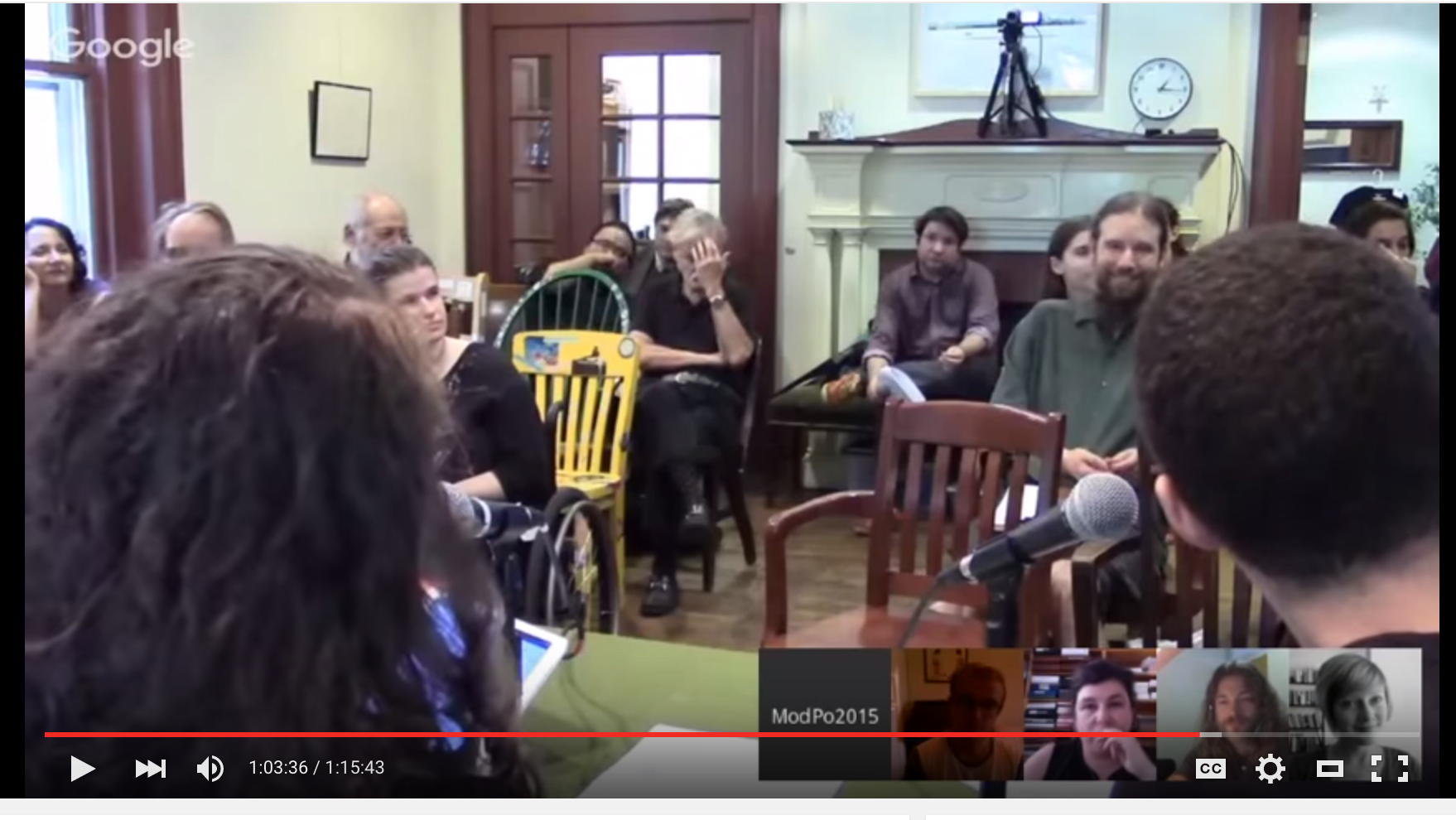
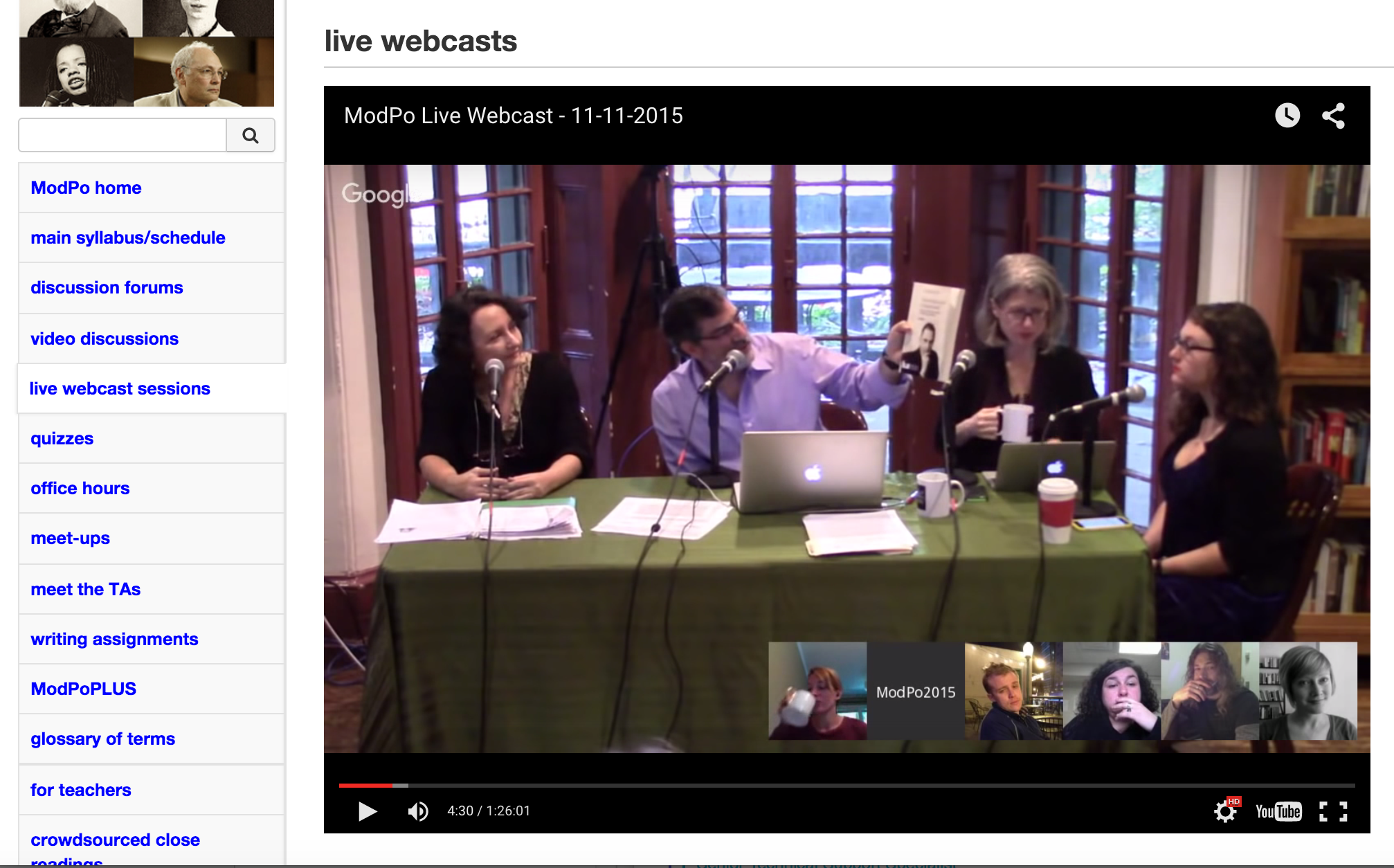
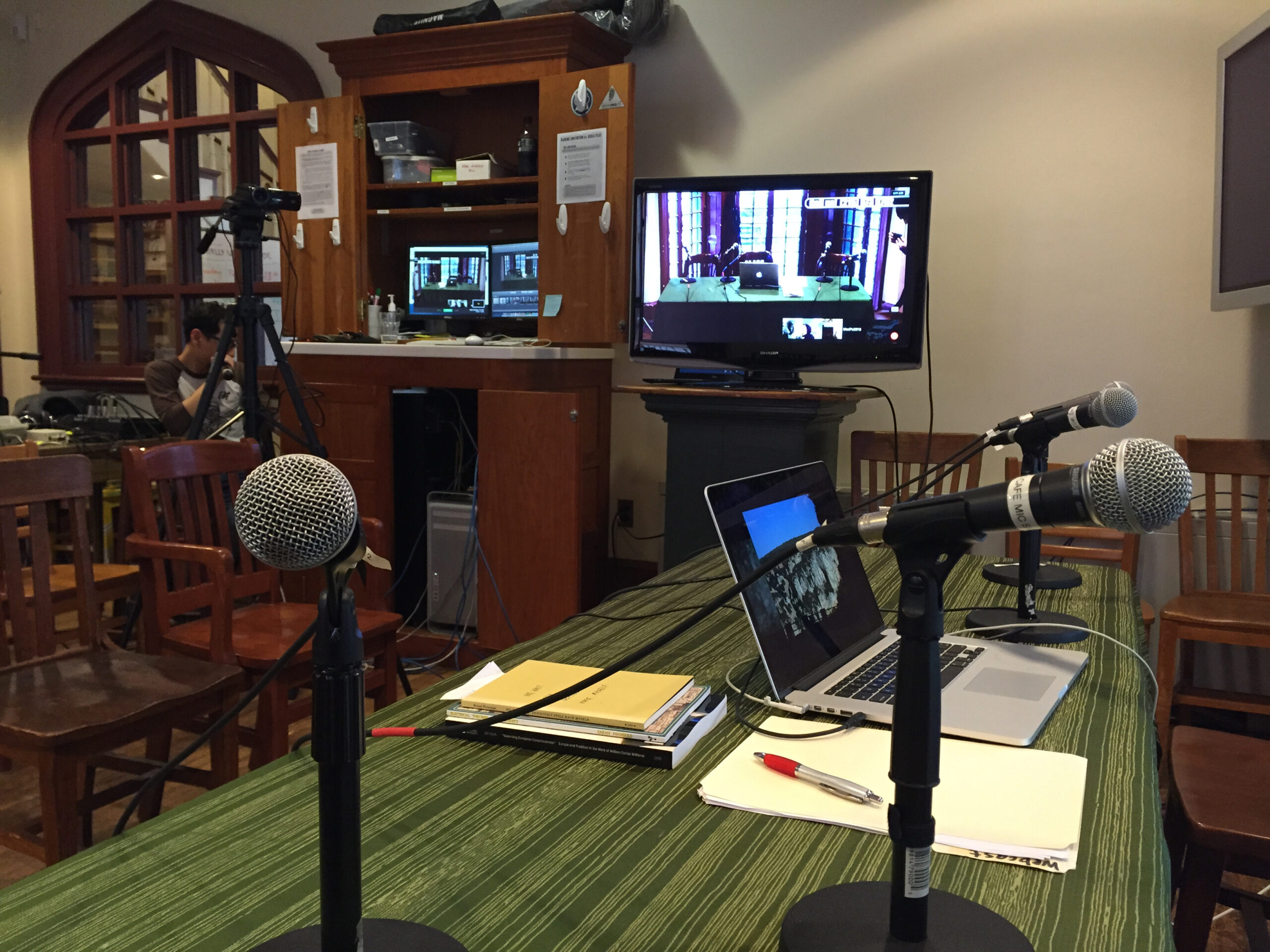
With Google Hangouts On Air, you can host and broadcast live discussions and performances to the world. You can also embed the live video player into a webpage with an html code, and later edit and share a copy of the broadcast. At the University of Pennsylvania, I’ve done dozens of complex, large-scale live webcasts using Google Hangouts on Air. Here, I share my findings.
The Important Role of Live Webcasts in MOOCs & Online Learning
As an I.T. Professional at the University of Pennsylvania, I’ve been lucky to work on Al Filreis’ 10-week Modern and Contemporary Poetry MOOC (Massive Open Online Course) on Coursera. The free, not-for-credit course is comprised of nearly 100 pre-recorded video lectures, weekly quizzes and 4 writing assignments.