How to Fix Apple Mail Can’t Connect after O365 Password Reset: “Unable to verify account name or password”

Apple Mail can't connect after a password reset

Following a password reset (specifically a Microsoft O365 account), Apple Mail was not happy. It recognized that the password had changed but wasn’t accepting the new password, even though we knew the password was correct…”Can’t connect to the account…Enter the password for user…Unable to verify account name or password…”

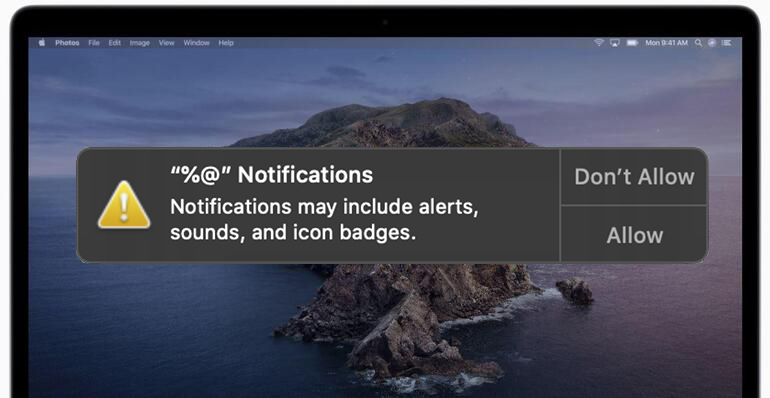
“%@” Notifications Pop-Up Prompt on Apple Mac OS

"%@" Notifications Pop-Up Prompt on Apple Mac OS

“%@” Notifications Notifications may include alerts, sounds, and icon badgets” If you’ve randomly been asked by MacOS if you’d like to “Allow” or “Don’t Allow” notifications for “%@”, you’re not alone. One of my users saw this pop-up notification seemingly out of the blue. They had been specifically running MacOS Catalina 10.15 for many months … Read more

How to Save Space on your Mac by removing Messages and Photo Attachments – Text/SMS

save-storage-space-on-mac-by-removing-messages-photo-attachments

If you send and receive a lot of text messags, especially ones with images and photographs, you may find that your Mac Messages application is taking up a LOT of precious space. Here are options for recovering storage space that is being used by your text messages and photo attachments: Turn on automatic deletion of … Read more

How to Disable Default Two-Sided Duplex Printing on Mac via CUPS

disable two sided printing

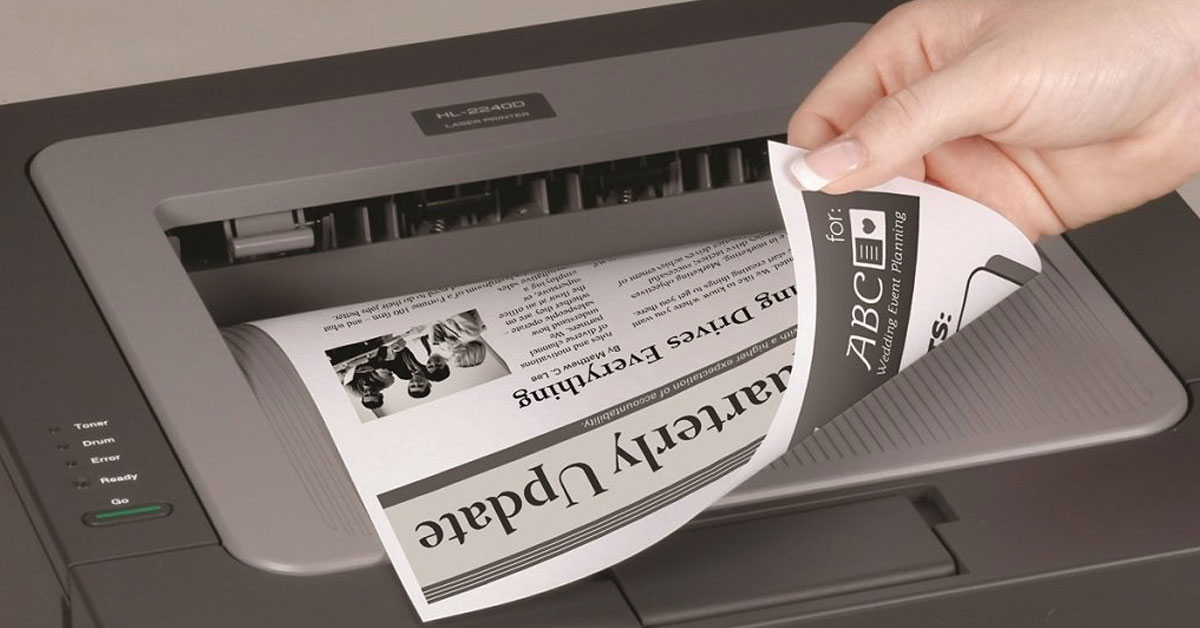
Some printers (and their drivers) default to two-sided printing, which many people do not prefer as the default option. Luckily, this can easily be disabled via the CUPS web interface. There are probably other ways to accomplish this, too, but I found this to be quick and painless. At the time of this post, this is tested and working on Mac OS 10.16 Big Sur.

How to Migrate Apple MacOS Contacts into O365

How to Migrate Apple Contacts to O365

This is the process I used to copy a user’s MacOS Contacts into their O365 address book (a.k.a. “People”):   1.) Open the user’s Apple Contacts application on their computer. 2.) Select all of the contacts and dragged them into a blank Apple Numbers spreadsheet (there’s no way to export direct to CSV from Apple … Read more