How to Disable Default Two-Sided Duplex Printing on Mac via CUPS
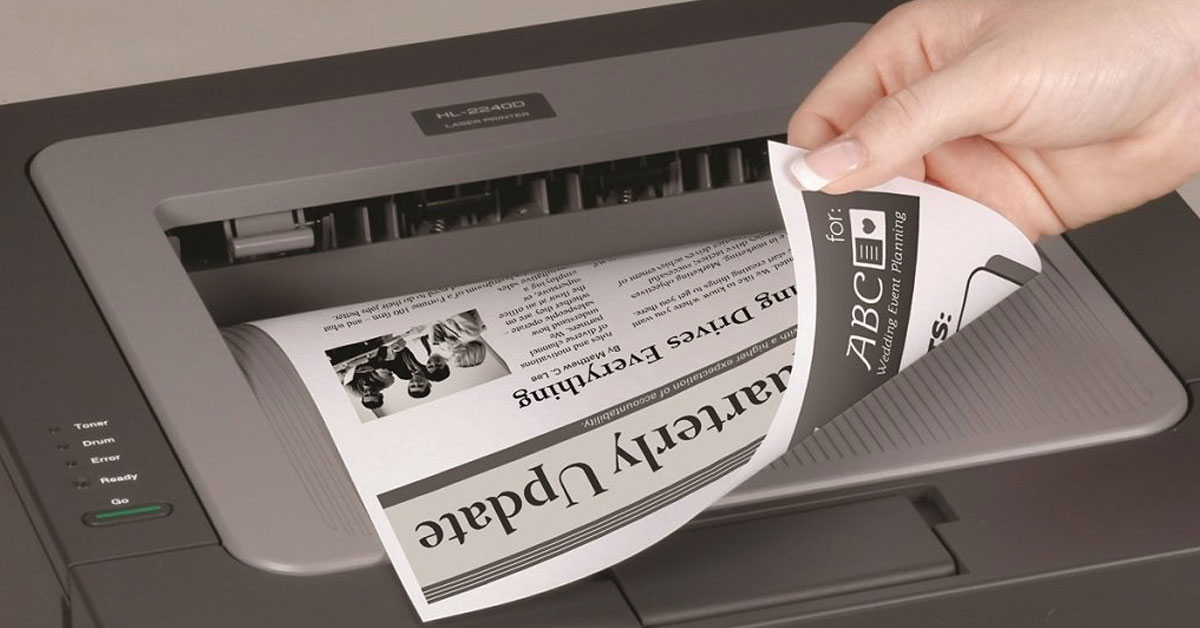
Some printers (and their drivers) default to two-sided printing, which many people do not prefer as the default option. Luckily, this can easily be disabled via the CUPS web interface. There are probably other ways to accomplish this, too, but I found this to be quick and painless. At the time of this post, this is tested and working on Mac OS 10.16 Big Sur.