
All full-time University of Pennsylvania faculty and staff with O365 accounts are eligibile to install Microsoft Office (including Word, Excel, Outlook and Powerpoint) on up to 5 devices (including computers and mobile devices). To install on your computer, click here for instructions.
Mailman Mailing List Best Practices

In the School of Arts and Sciences at the University of Pennsylvania, we use the open-source python-based Mailman mailing list software. There are many options that can be configured on a per-list basis. The information in this post contains general notes, how to’s, and best practices for listserv management — some aspects, including the list … Read more
How to Add Penn Academic Calendar to Outlook Web Calendar (O365)

Many staff and faculty at the University of Pennsylvania enjoy having the Academic Calendar visible on their O365 Outlook Calendar. To add the Penn Academic Calendar to your Office365 Web Calendar (OWA), follow these instructions.
How to Fix / Restore Access to Shared Calendars in “the new Outlook” 2019

At the University of Pennsylvania, our Office365 users suddenly lost “edit” access to the shared calendars they had previously set up in their O365 calendars. The calendars still appeared, they just weren’t modifiable. This is a huge deal, because we schedule many public spaces and manage staff schedules through shared calendars. The cause? The issue … Read more
An Exploration of the Art in Saint Peters Village

St. Peters Village forest is a remarkable, ever changing treasure trove of seek-and-find art. It’s a thought-provoking, living art exhibit, showcasing many emotions and experiences of the lives we share. True art happens among this forest canvas.
How to Disable Default Two-Sided Duplex Printing on Mac via CUPS
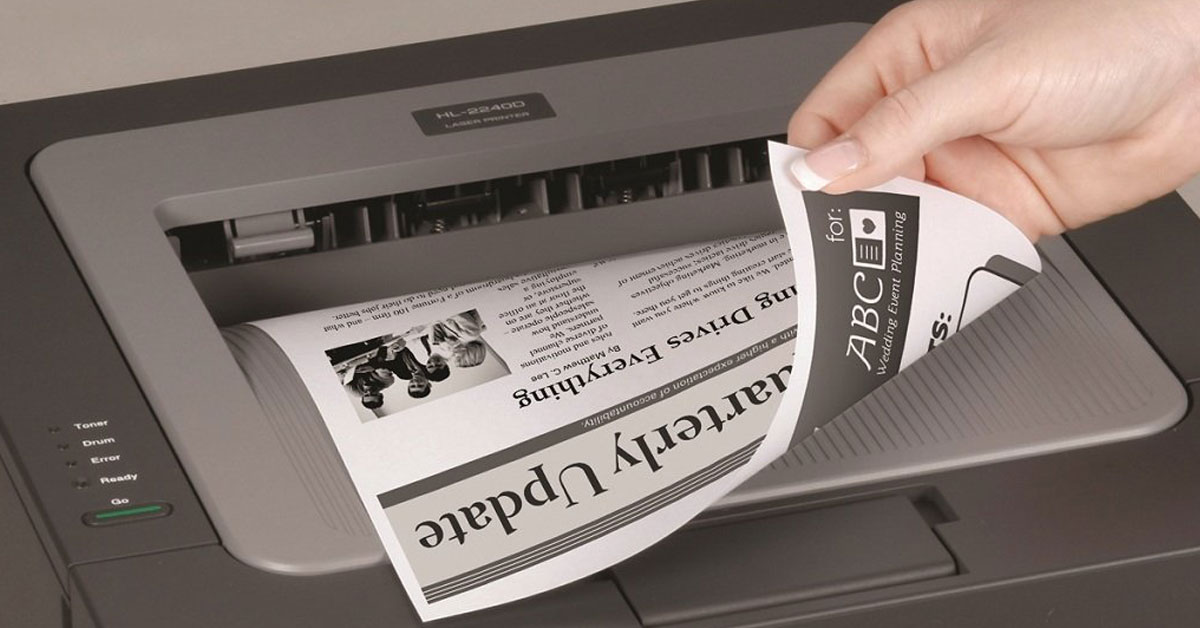
Some printers (and their drivers) default to two-sided printing, which many people do not prefer as the default option. Luckily, this can easily be disabled via the CUPS web interface. There are probably other ways to accomplish this, too, but I found this to be quick and painless. At the time of this post, this is tested and working on Mac OS 10.16 Big Sur.
How to Migrate Apple MacOS Contacts into O365

This is the process I used to copy a user’s MacOS Contacts into their O365 address book (a.k.a. “People”): 1.) Open the user’s Apple Contacts application on their computer. 2.) Select all of the contacts and dragged them into a blank Apple Numbers spreadsheet (there’s no way to export direct to CSV from Apple … Read more
Our New Live Streaming Rig at the University of Pennsylvania

At the Kelly Writers House at the University of Pennsylvania, we’ve been live streaming events on a near daily basis for years. We are really excited to be completely upgrading and overhauling our Arts Cafe performance space and technology for the first time in many years. Here’s what our new live streaming setup will look … Read more
Facebook Live Best Practices 2018 (Some Will Surprise You)
My favorite notes, ideas and thoughts from the Telestream “Guide to Streaming to Facebook Live 2018” white paper on the Streaming Media website. You’ll find some obvious and not-so-obvious ideas and thoughts in here.
Coursera Partners Conference 2018 Key Takeaways

The 2018 Coursera Partner’s Conference at Arizona State University in Tempe, AZ, highlighted Coursera’s steps towards new paid credential options. In addition to the free MOOCs the platform has traditionally offered, students now have the option to pay for certificates (in individual courses), specializations (a collection of courses in a particular subject area), and even full degrees through a growing number of colleges and institutions on the platform. Coursera believes this tiered model of options offers students an affordable, flexible and valuable way to engage in life-long learning.